

使用AI重寫我的網站
作者分享了如何利用AI編碼代理Claude Code從零開始構建一個新的靜態網站生成器,這極大地改善了他的網站開發流程,並鼓勵其他軟體工程師採用AI工具。
Rewriting my site using AI
2025-12-31
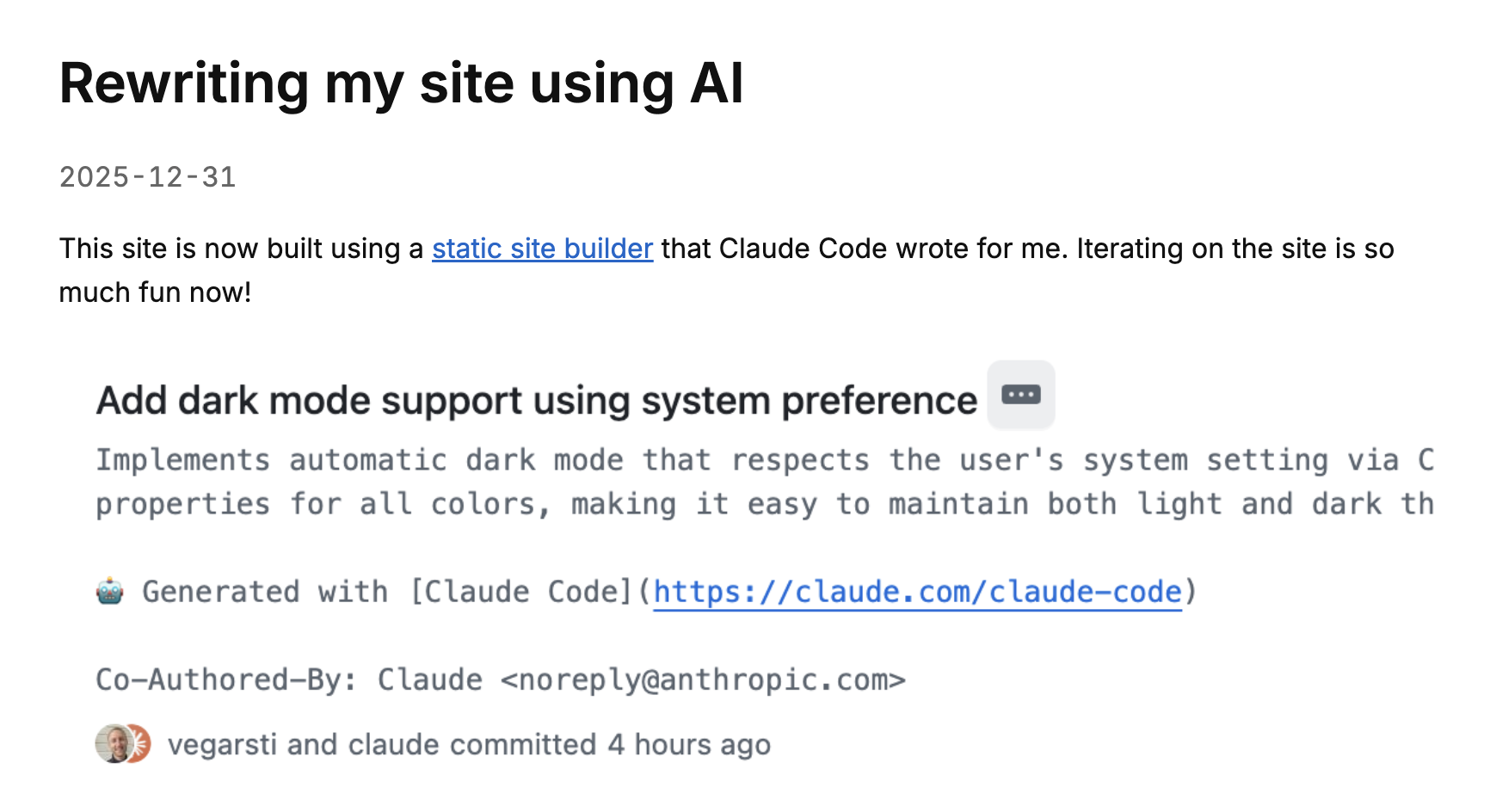
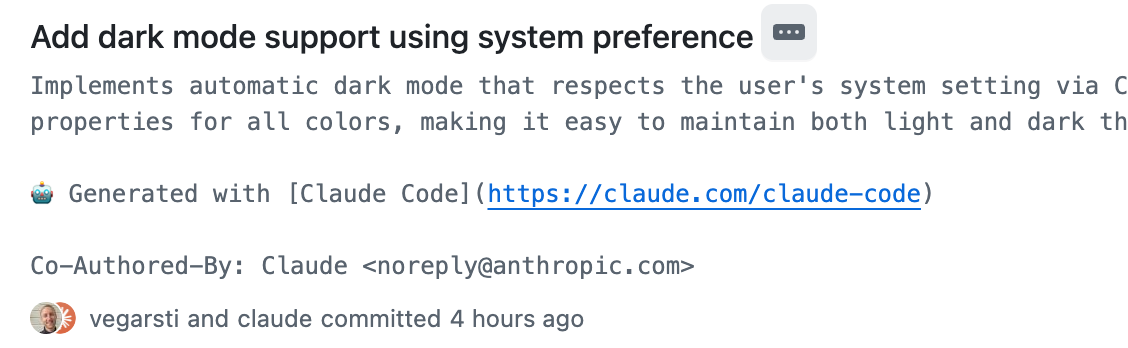
This site is now built using a static site builder that Claude Code wrote for me.
Iterating on the site is so much fun now!
If you're a software engineer and not currently using AI for coding, I hope this post can entice you into giving it a try.
You might be underestimating how good it is!
Previous version
The site used to be built using Hugo which is a popular, feature complete static site builder.
I had found a template I liked and modified it, and it produced the HTML I needed for my Markdown content.
But I still found it very complicated to make the changes I wanted.
Writing my own static site builder was definitely an option, but I had considered it too cumbersome.
Why use AI
Meanwhile, it's the end of 2025 and AI tooling for software engineers did so many leaps forward this year that it's hard to fathom.1
I'm now regularly using agents at work to write code.
What's an agent, you ask?
An LLM agent runs tools in a loop to achieve a goal (via Simon Willison).
I use agents for:
Writing a simple static site builder for this small blog is a perfect task for a coding agent, as they are especially good at starting from scratch.
I could get a new site done a lot quicker than by writing it all by myself.
I could even do it in a few minutes while having some downtime at work.
Let's look at how we built it.
First Claude session
I wanted to have a program that was able to build the HTML for my existing blog posts.
Claude did this in the initial session which spanned at most 10 minutes.
I wrote 153 words in total across 6 messages:
To start, I created a new directory and copied over my existing blog posts.
I opened claude and gave it this prompt:
I want to create a static site from scratch.
The code to build it needs to be in Go.
I want it to be very minimal:
The site builder needs to be able to take md blog posts and embed them.
I have posts in the content repo.
Their slugs need to be preserved.
I wanted to use Go because it's simple and I know it well, the standard library has great HTML templating support, and the developer tooling is excellent.
Claude replied:
By pressing Shift + Tab twice I had set Claude in Plan Mode which will first create an implementation plan.
The plan is a markdown file persisted to disk.
See this blog post by Armin Ronacher for a good investigation of how Plan Mode works.
It will usually ask clarifying questions until it decides the plan is clear.
It asked a few more questions, 8 in total.
Once I confirmed the implementation plan, it started to execute on the plan, reading it back from disk.
The complete plan:
It then started to write code:
A typical problem for LLMs in long conversations has been to lose track of the goal, and Claude uses TODO lists to good effect.
It then went on without intervention from me for several minutes, writing its planned code and trying to build the program.
It failed to build several times but was able to recover.
This is the magic of agents:
It can use a tool, such as code compilation, to autonomously figure out why it's not working and fix it.
This is a whole different world than last year when I was copy/pasting between ChatGPT and my editor.
Eventually it finished:
I opened the generated HTML files in a browser but was unable to navigate the site correctly, so I asked a follow-up question:
Can you successfully navigate the site?
How to run the local server was useful information, so I told it to add this to a README.
Actually, can you add this to the README? how to serve the files locally
The README didn't exist, so it wrote that.
If you're interested, you can see the full session here.
Adding more functionality
One really useful capability for the agent to have is being able to browse websites in a headless browser,
so I installed Puppeteer as described here.
In one session I asked it to tweak the styling:
I want the blog post page to look more like https://macwright.com/writing.
It should have two columns: Blog post title and date. The link to the blog
post should be regular text color but when hovered should have an underline.
After writing code, it confirmed it worked by using Puppeteer:
Here's the full session.
Here are links to other session you may find interesting:
Happy prompting!
Andrej Karpathy's tweet Dec 26, Armin Ronacher: A Year of Vibes, Mario Zechner: What I learned building an opinionated and minimal coding agent, Peter Steinberger: Shipping at Inference-Speed ↩︎
相關文章