

為AI建構同意機制:Firefox連結預覽中的欺騙性模式
儘管社群對AI興趣缺缺,Mozilla據報正透過欺騙性模式在Firefox中推動AI功能。文章特別指出,新推出的「連結預覽」功能是一項侵入性的反功能,旨在強行整合AI。
Architecting Consent for AI: Deceptive Patterns in Firefox Link Previews
Jan 6, 2026
TL;DR: Mozilla has a new CEO and a new mission: transform Firefox into an AI browser. That has run into some snags, as Firefox users don’t seem that interested in AI. Mozilla is forging ahead, utilizing deceptive patterns (previously known as dark patterns) to nag and annoy people into enabling AI features. You can see this in the introduction of Link Previews, an extremely invasive anti-feature that exists solely to push AI into your experience.
I made a video if you want to watch instead.
Mozilla’s new CEO has a new mission to make an AI browser. The community’s reaction has been decidedly negative, with posters on social media saying that they have little to no interest in Mozilla’s AI ambitions.
Mozilla’s response to the community’s backlash towards AI was to (re)announce that they would be developing an “AI Kill Switch” to disable any existing and forthcoming AI features in Firefox.
Mozilla employees followed up on their traditional media response with a social media response, and multiple team members fielded questions from the general public.
As Firefox users asked how the “kill switch” would work, Mozilla began to sound more shifty, saying that while there are some gray areas of what “opt-in” means to different people, their kill switch would absolutely remove that stuff.
To help clear things up, Mozilla explained that the AI features in “Link Previews” has “always been opt-in”.
Link Previews in Beta
Link Previews is a feature that was first introduced in Firefox 138, as an experimental, opt-in Labs feature.
The feature was introduced as a way for users to get relevant information faster, by providing them with an image, the webpage title, and AI-generated key points.
Mozilla introduced the experiment by saying that Link Previews is “entirely optional” and that “it only appears in Firefox if you enable the feature and consent to local AI processing”.
After enabling the feature in Firefox Labs, users would have to press Shift and Alt (or Option on macOS) to see the preview.
The feature changed in a few ways once it was released to general availability in Firefox 142.
Link Previews in Firefox 142
Link Previews was promoted to release on Firefox 142.
Firefox 142’s release notes describes how the feature was changed upon release. Mozilla says: “Long press a link (or right-click and choose Preview Link). Previews can optionally include AI-generated key points, which are processed on your device to protect your privacy.”
Firefox now shows the Link Preview popups when long clicking a link. While this gesture is common on mobile, it is not on desktops - and many people are seeing the popups and not understanding why they appear. Some are even convinced that they are coming from the sites themselves, like from YouTube.
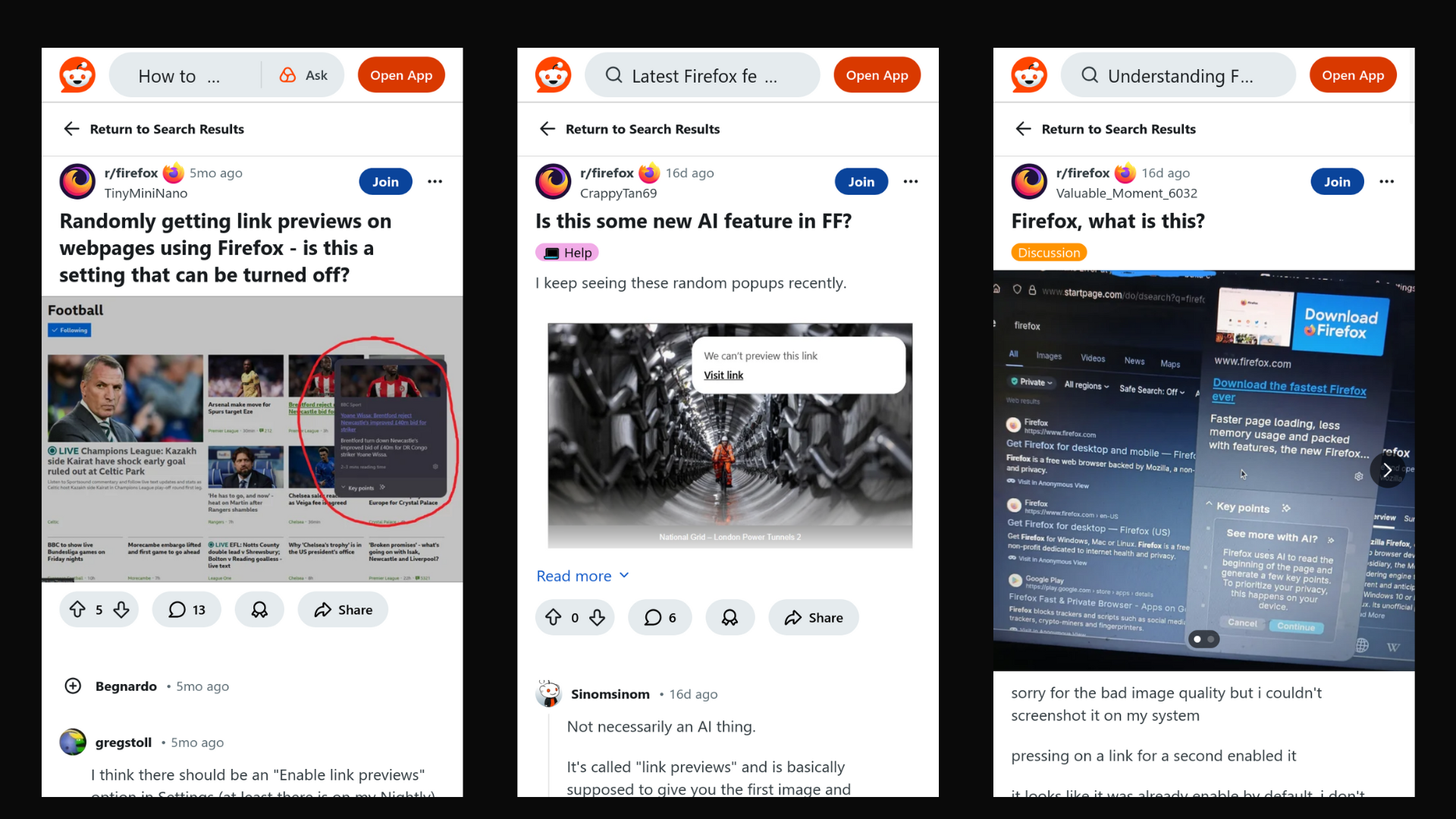
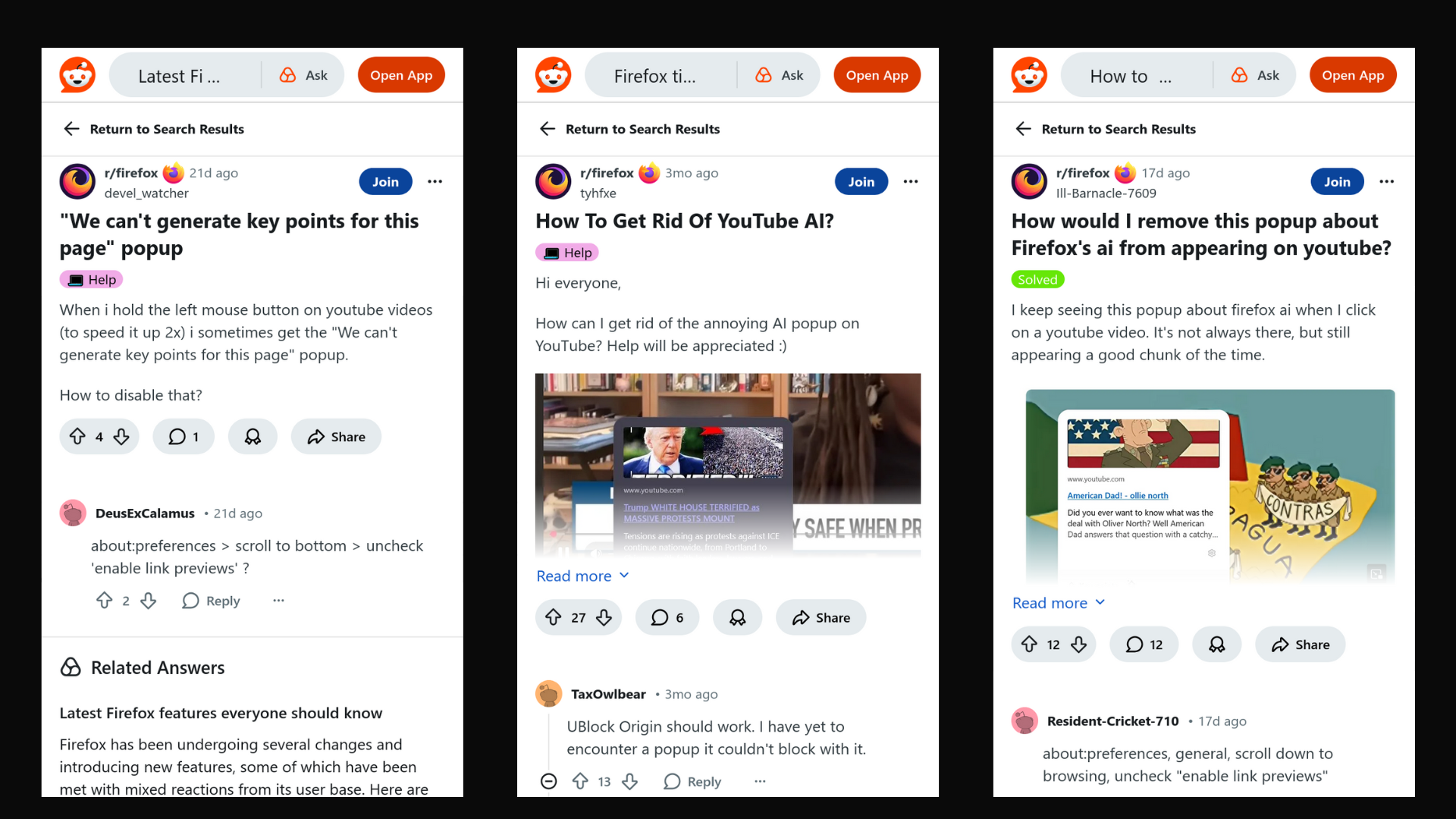
While Mozilla introduced Link Previews as “entirely optional”, people are now seeing link previews without ever enabling the feature.
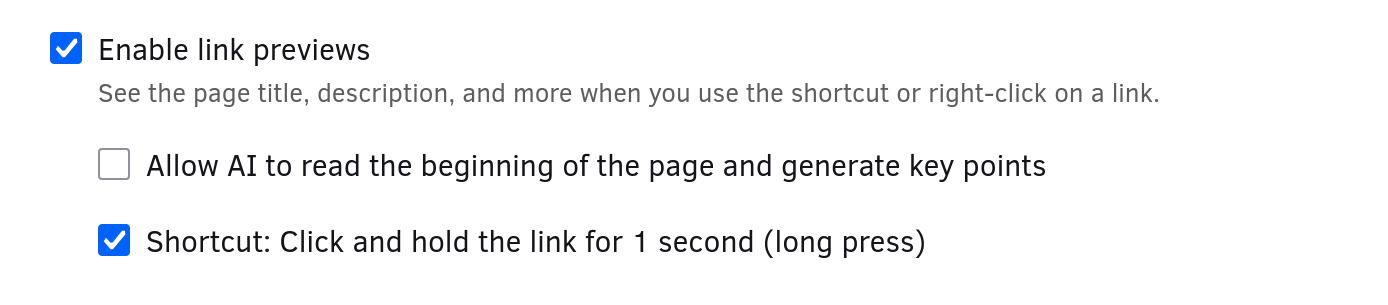
You probably noticed that Mozilla said that the previews can optionally include AI-generated key points. That’s because Mozilla enabled link previews by default, but made the summaries optional.
Since the feature has been split up, let’s see how it works.
Link Previews
Link Previews - without the AI summary - is a feature Mozilla could have added to Firefox decades ago. That’s because the snippet it shows is the same one that search engines have been using since 1996 to get a basic idea of what pages are about: the page’s meta description.
If you click your mouse button over a link for a second, your browser will visit the page and process it to grab the page description and to estimate the amount of time it takes to read.
The request to the page happens from your computer and is not proxied in any way. That means that your IP address will be leaked to the server hosting the link that you are previewing. Mozilla says that key points are processed locally to protect your privacy in the release notes, but says nothing about leaking your privacy in showing the link preview (and enabling it by default).
While Mozilla says that the AI features in Link Previews have always been opt-in, it is obvious that this is sleight of hand. Mozilla thinks that by wrapping the AI feature inside a non-AI feature, and enabling the non-AI feature by default, the browser can interrupt you over and over again to finally opt into the AI features.
If you don’t know what is happening, this might be easy to miss. Thankfully, the team over at Deceptive Patterns have researched “the growing issue of manipulative, deceptive and coercive design patterns in the digital world”.
Deceptive Patterns
Looking closer, we can see that Mozilla has designed the Link Previews experience to architect consent for AI by using three main tactics. They are: obstruction, nagging, and preselection.
Obstruction
The first tactic I want to highlight is obstruction, which Deceptive Patterns defines as something that “deliberately creates obstacles or roadblocks in the user’s path, making it more difficult for them to complete a desired task or take a certain action”.
The obstruction in Firefox is obvious - the browser is obstructing the user from clicking or manipulating the link in another way. You might want to drag the link to a document to copy it, for example. The user might also have mobility impairments that makes a fast click harder, resulting in a longer hold time.
Deceptive Patterns notes that obstruction “is used to exhaust users and make them give up, when their goals are contrary to the business’s revenue or growth objectives.” That sounds exactly right – Firefox is now an AI browser, so Mozilla’s goal is to grow usage of AI rather than browsing web pages.
Nagging
The obstruction in Link Previews doesn’t just happen once, though. After Firefox updates, the popup appears continually as people browse the web normally. This is nagging, defined by the team over at Deceptive Patterns as: “a tax that the provider imposes on users who do not want to comply with the provider’s wishes.”
Eventually, the cost becomes non-trivial and at that point, “the user may decide it’s more cost effective to just give in and agree to whatever the provider is asking for, even if it is against their best interests”.
Preselection
The deceptive design pattern that makes it all possible is the last one I want to highlight: preselection.
Deceptive Patterns notes that this pattern takes advantage of the default effect cognitive bias: “a psychological phenomenon where people tend to go with the option that is already chosen for them, even if there are other choices available.”
Preselection is what allows Mozilla to continually nag and obstruct users - all while putting the onus on disabling the interruptions on the person using Firefox.
Contrary to their messaging on social media, Mozilla preselected the option to enable Link Previews in an automatic update.
Opt-Ins and the “Kill Switch”
The design of Link Previews shows us the lengths to which Mozilla is willing to go to get users to “opt into” AI features.
After designing the feature, Mozilla allowed users to use it by opting into it, first by enabling it in settings, then by performing a keyboard shortcut to activate the popup each time.
Making the feature available in settings wasn’t going to juice the metrics though, so Mozilla decided that they needed to put it in front of people who weren’t checking out the settings UI.
Likely predicting backlash for enabling an AI feature by default, Mozilla decided to split the original feature into two, so they could enable the non-AI portion by default.
It really is that simple. Mozilla never designed Link Previews by itself, as the feature is annoying, not very useful and also leaks your privacy.
It’s not even like we can point to people asking for this feature – I looked for extensions that are similar to Link Previews, and all of them combined total up to around 300 users.
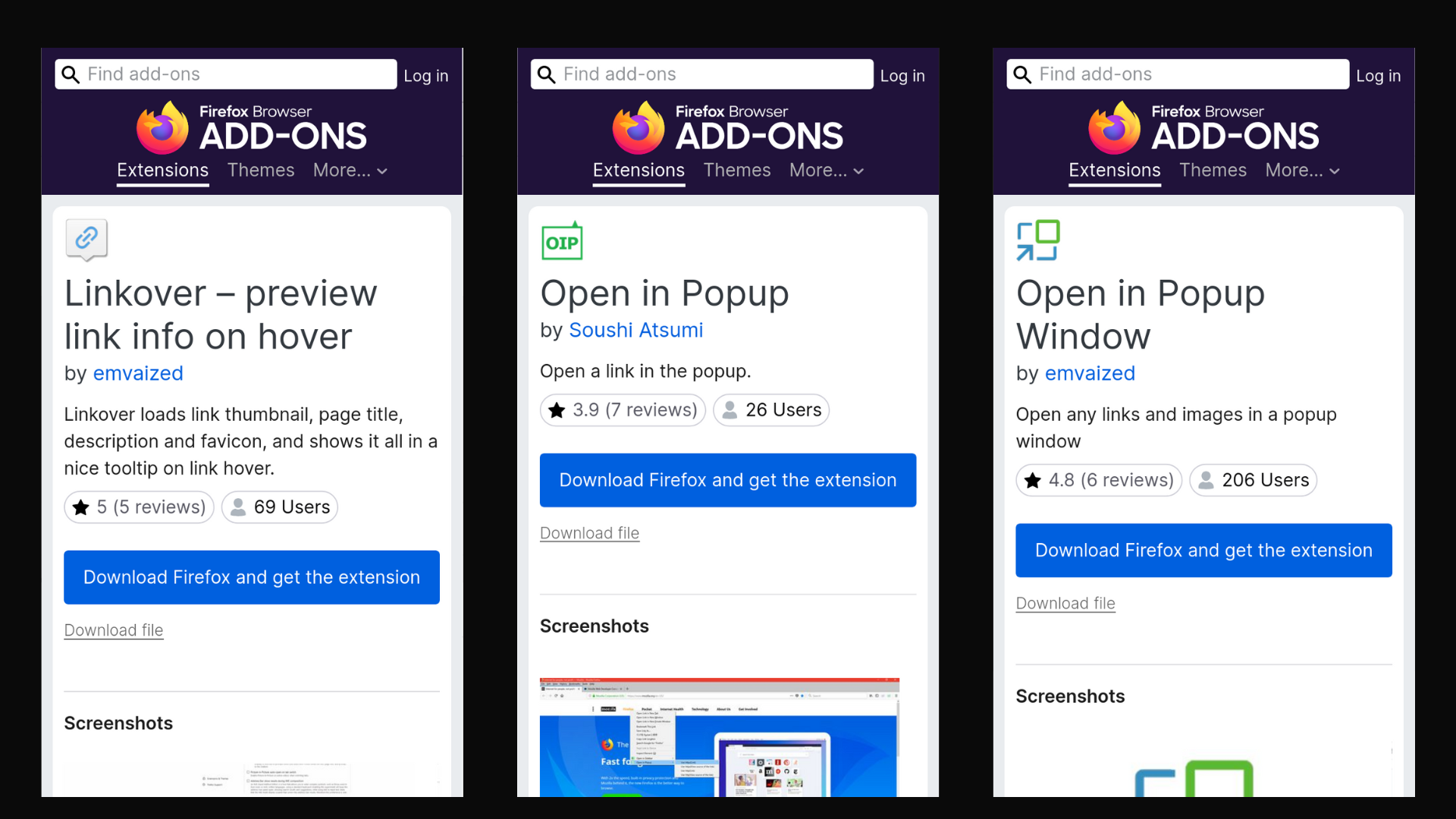
What’s really happening is that Mozilla wanted people using AI features, but they want people to opt into them – likely so they could say that Firefox AI features are always opt-in. How can you make that happen without actually enabling AI across the board?
Mozilla figured it out - enable the feature without AI and use the stub feature to advertise for the complete version. It is basically a demo advertising the full version.
If this is how opt-ins look to Mozilla, it means that users can expect to be nagged over and over to try AI features even though they hit the “kill switch”. Clearly, Mozilla isn’t actually enabling AI, it is enabling an unrelated feature that just suggests AI to you.
After having to opt out of being interrupted, Mozilla is insisting that this counts as an opt-in.
Mozilla’s latest communications say that the kill switch will remove “entry points to AI features”, so even features newly invented to push AI should be disabled when using the kill switch.
Hopefully that is the case, but it is worth observing what Firefox is becoming. A minefield of pre-selected anti-features is Firefox’s present. With the transformation to an AI browser, I’m sure we can expect to see more.
An Alternative Opt-In
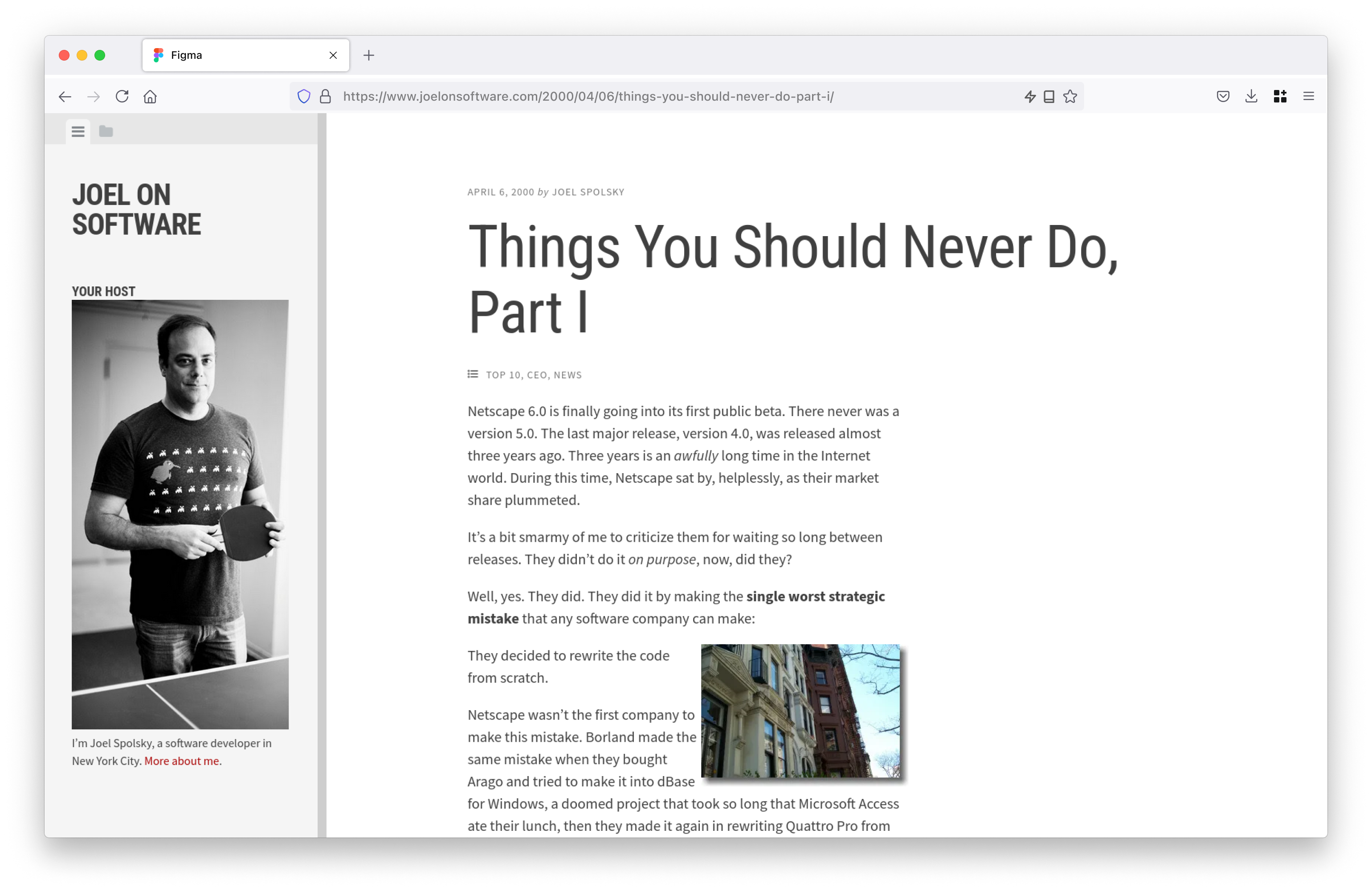
While I’m not a designer, I took a stab at imagining what an opt-in feature would look like.
If summaries are really useful, people will opt into them.
That is the idea behind making summarization a new page action button in the address bar.
Once you load a page, Firefox can advertise that it can summarize the page to you.
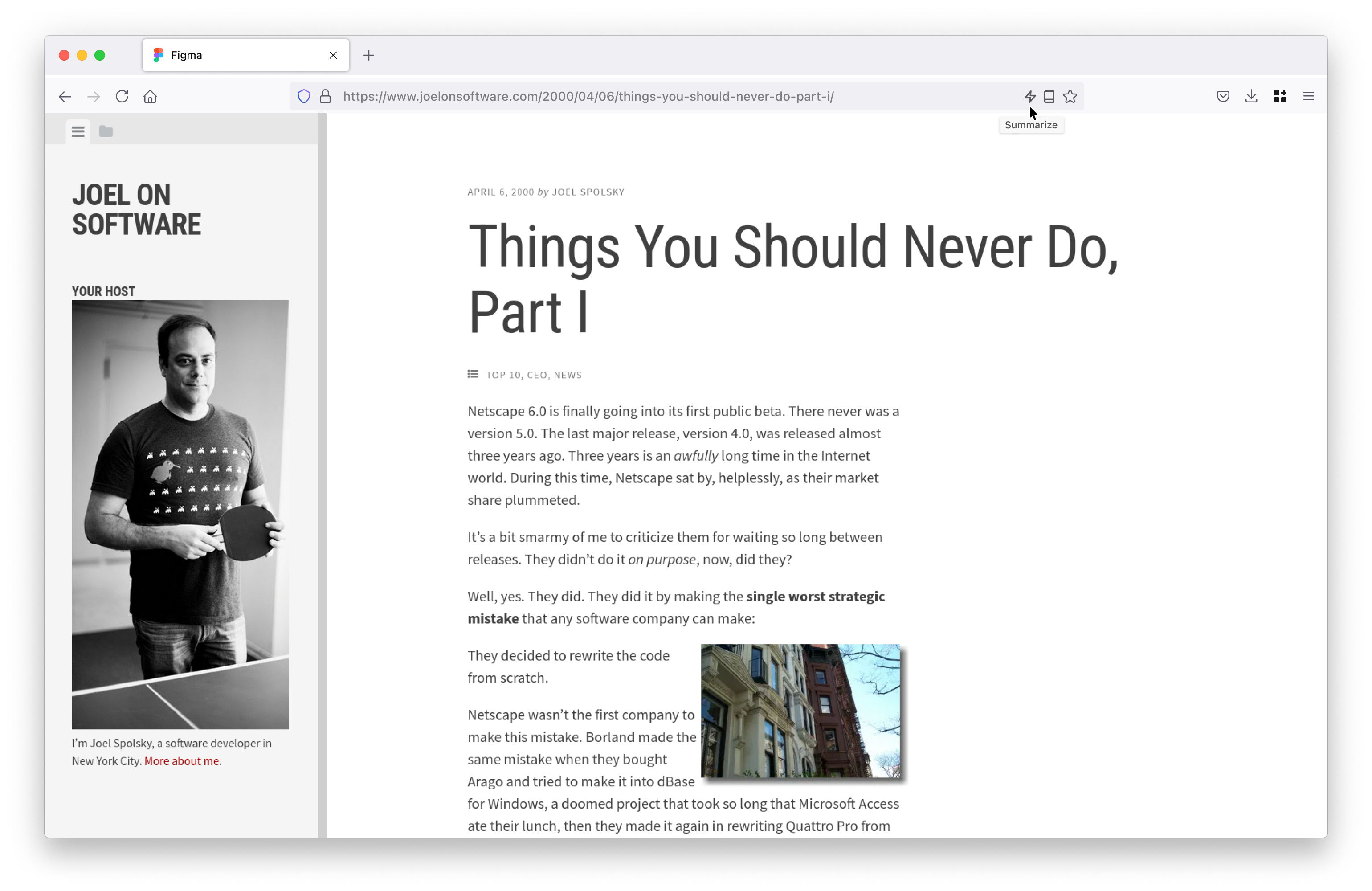
Once you click the button, Firefox will show you the summary, in a reader-view like format.
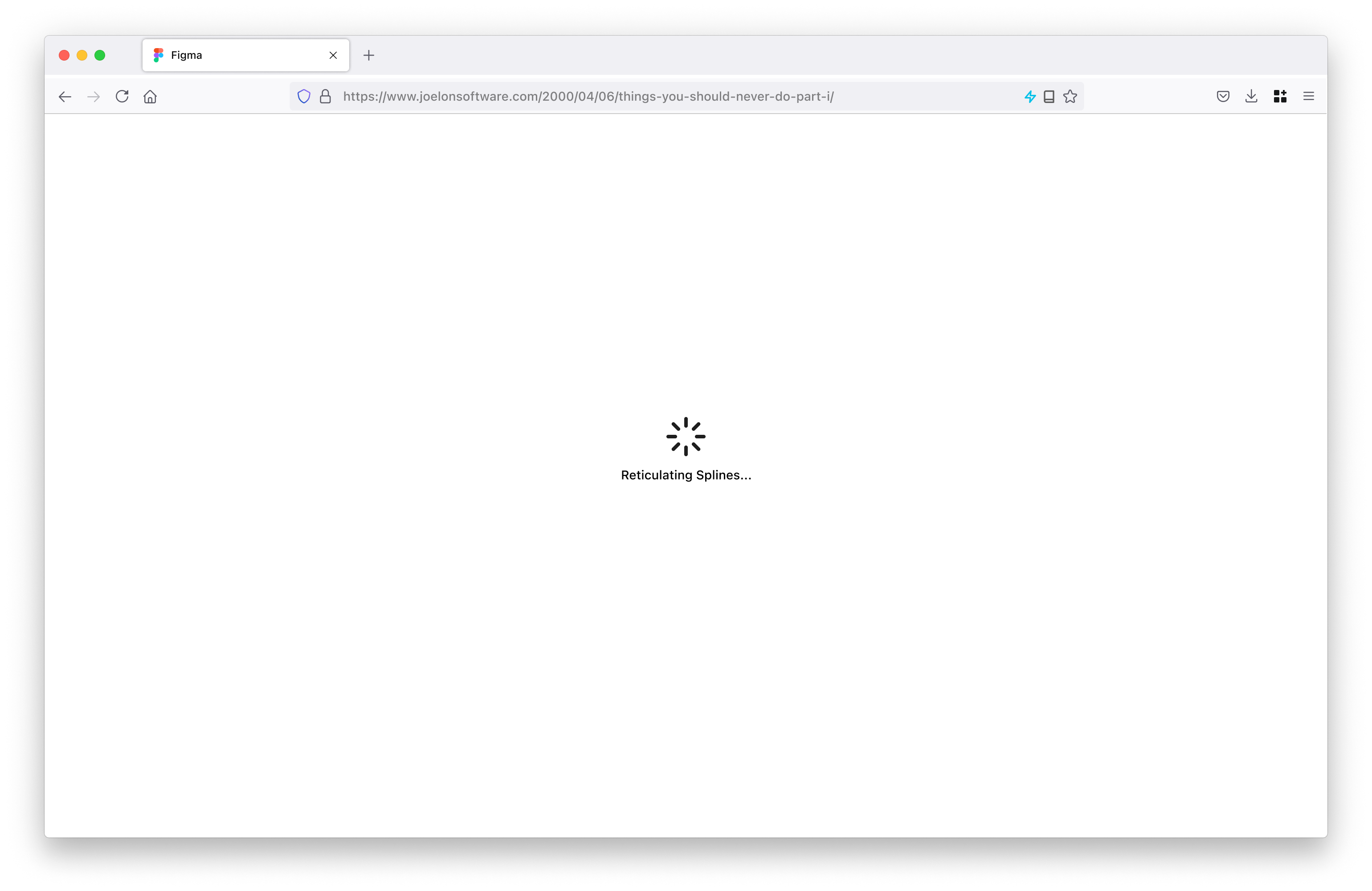
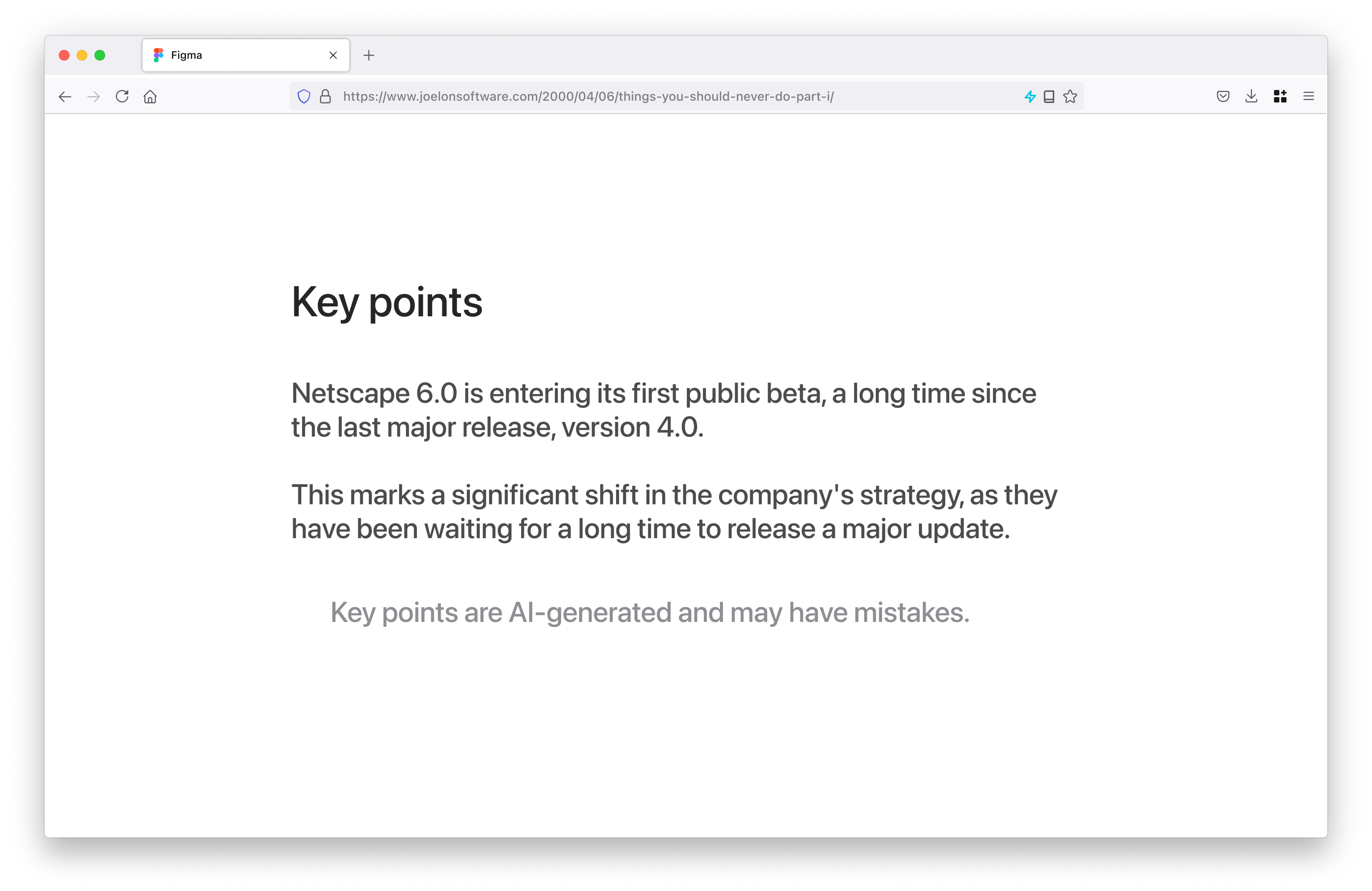
Unlike Link Previews, this version doesn’t ever get in your way.
If you liked this material, please consider supporting me. You can message me or follow this blog on Mastodon.
AI's Unpaid Debt: How LLM Scrapers Destroy the Social Contract of Open Source
TL;DR: The big tech AI company LLMs have gobbled up all of our data, but the damage they have done...
This project is maintained by yoasif
相關文章