

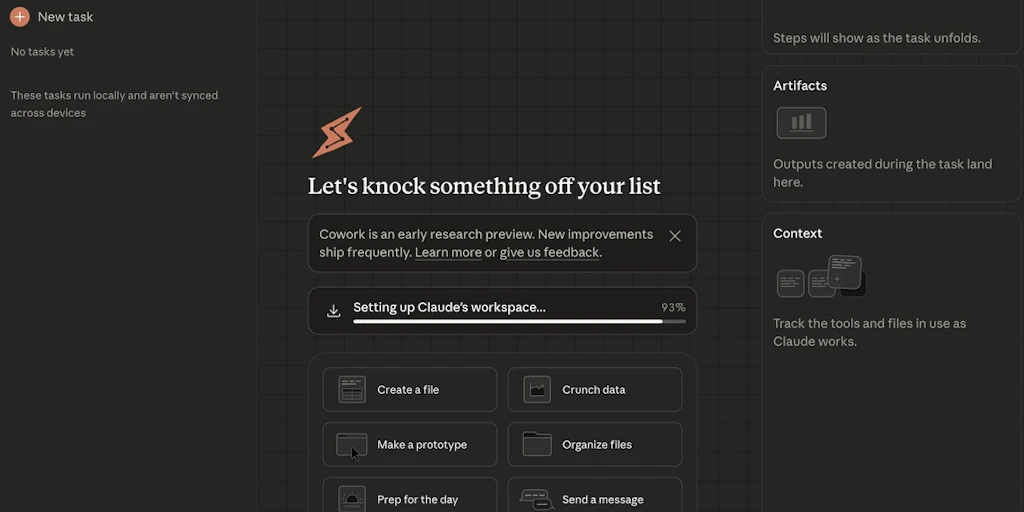
Claude for Desktop:您的專注深度工作AI夥伴
Product Hunt 介紹了「Claude for Desktop」,這是一款旨在提升深度工作專注度和生產力的AI夥伴。該工具旨在直接在您的桌面上提供快速高效的AI體驗。


Claude for Desktop
Desktop AI partner. Fast, focused, & designed for deep work
489 followers
Desktop AI partner. Fast, focused, & designed for deep work
489 followers

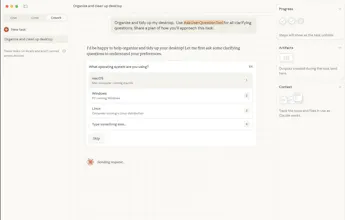
Cowork



What do you think? …


minimalist phone: creating folders
@byalexai I think that I am totally free of any work here when this tool is on the scene :D
Trickle
Definitely a game changer


Raycast
Genius name.
@Granola better watch out!

Quick question on batch processing: If I use Dashform to generate, say, 20 different JSON form schemas for a project, could I task Cowork to go through this folder and update the primary color hex code in all files'?
Curious how it handles consistency across multiple existing files vs. creating new ones.

Curious to see how teams adopt this in real workflows.Especially around ownership, context sharing, and decision-making.


GraphBit
This feels like a meaningful shift from “AI as a chat window” to “AI as an operator.”Giving an agent scoped file access and letting it execute end-to-end tasks removes a lot of coordination overhead. Curious how you’re thinking about safeguards and review checkpoints as tasks get more complex.

Absolutely game-changing! Claude now works like a real teammate. Love how it handles tasks.

Engineering & Development
LLMs
Productivity
Marketing & Sales
Design & Creative
Social & Community
Finance
AI Agents
Trending categories
Top reviewed
Trending products
Top forum threads
Have a question about Claude for Desktop? Ask it here and get a real answer.
Previous Claude for Desktop Launches

Launched on November 1st, 2024
14
453
Do you use Claude for Desktop?
Forum Threads


6mo ago
TIL that you can use the Claude Desktop App to install projects from GitHub. What will you install?
I have been a big fan of @Aqua Voice but do need something local for the times I don't have internet or am traveling. So I wanted to give @OpenWispr a try but didn't really want to go through the whole setup for it... so I gave @Claude for Desktopaccess to my files and computer and... it basically instantly installed the whole thing and got it working!Then I asked it to package for me as a Mac app (.app) and what do you know... it did! Was honestly kind of amazing. There was one issue that I had to keep troubleshooting and that's sometimes Claude would reference the wrong environment or file... it could figure it out, but just something to pay attention too.
So now you can vibecode and quickly iterate on Open Source software using Claude Desktop, @Cursor, and @Warp. Use Claude to set it up, Cursor to iterate and build, then Warp to polish and debug.
Have there been any Open Source software that has scared you away but you might try install with this method?
10
22


fileAI

相關文章