

Show HN:Nori CLI,Claude Code 的改良介面(無閃爍)
Nori CLI 是一款專為代理開發(agentic development)打造的新型命令列介面,提供無閃爍的使用體驗,並支援從單一原生 CLI 切換使用 Claude、Gemini 和 Codex 等多個 AI 提供者。
Navigation Menu
Search code, repositories, users, issues, pull requests...
Provide feedback
We read every piece of feedback, and take your input very seriously.
Saved searches
Use saved searches to filter your results more quickly
To see all available qualifiers, see our documentation.
A CLI built for agentic development
License
Uh oh!
There was an error while loading. Please reload this page.
tilework-tech/nori-cli
Folders and files
Latest commit
History
Repository files navigation
Nori CLI

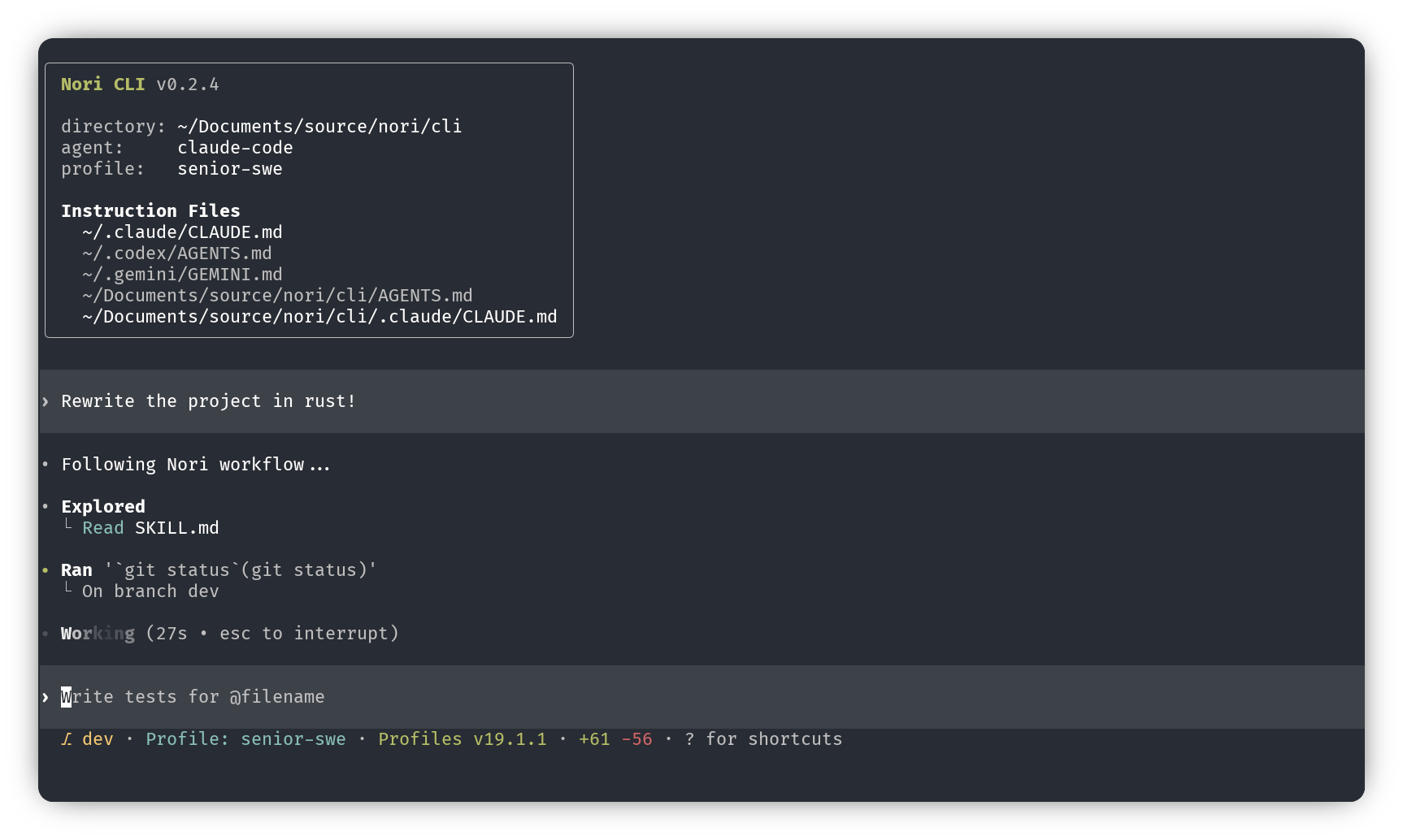
One CLI, multiple AI providers. Nori is a local AI coding agent that lets you switch between Claude, Gemini, and Codex. All from the same native CLI.
Install
Or download binaries from GitHub Releases.
Quick Start
That's it. The agent you choose will rely on existing auth if you have previously been using Claude Code, Codex, or Gemini on this system (and if not, login instructions are below). Nori launches an interactive TUI where you can chat, run commands, and let the AI assist with your codebase.
Providers
Each provider you plan to use needs to be authenticated separately before use. Then switch between AI providers with the /agent command.
Currently each agent relies on an existing authenticated session on your system. If you're coming in from another CLI tool, great!
You should be good to go. If not, first follow the authentication for your desired provider:
Features
Attribution
Nori CLI is built on the great work within OpenAI Codex CLI.
Nori CLI is working with the great protocol led by Zed Industries for orchestrating agents.
License
Apache-2.0
About
A CLI built for agentic development
Resources
License
Uh oh!
There was an error while loading. Please reload this page.
Stars
Watchers
Forks
Releases
15
Packages
0
Contributors
5
Uh oh!
There was an error while loading. Please reload this page.
Languages
Footer
Footer navigation
相關文章